Camera paths and timing
Build keyframed fly-throughs through scan data. Refine camera position, focus and timing to guide viewers through buildings and complex captured environments.
Spatial visualisation · Animation · Video
Create cinematic Point Cloud animations and fly-through videos with XSTREAM.Desktop. Combine Gaussian Splats and CAD geometry, keyframe camera paths and export finished video.
From source data to finished visuals
Work with captured reality in XSTREAM.Desktop, then create images and films for design reviews, bids and client presentations. Keep your original data locally without mandatory cloud uploads.
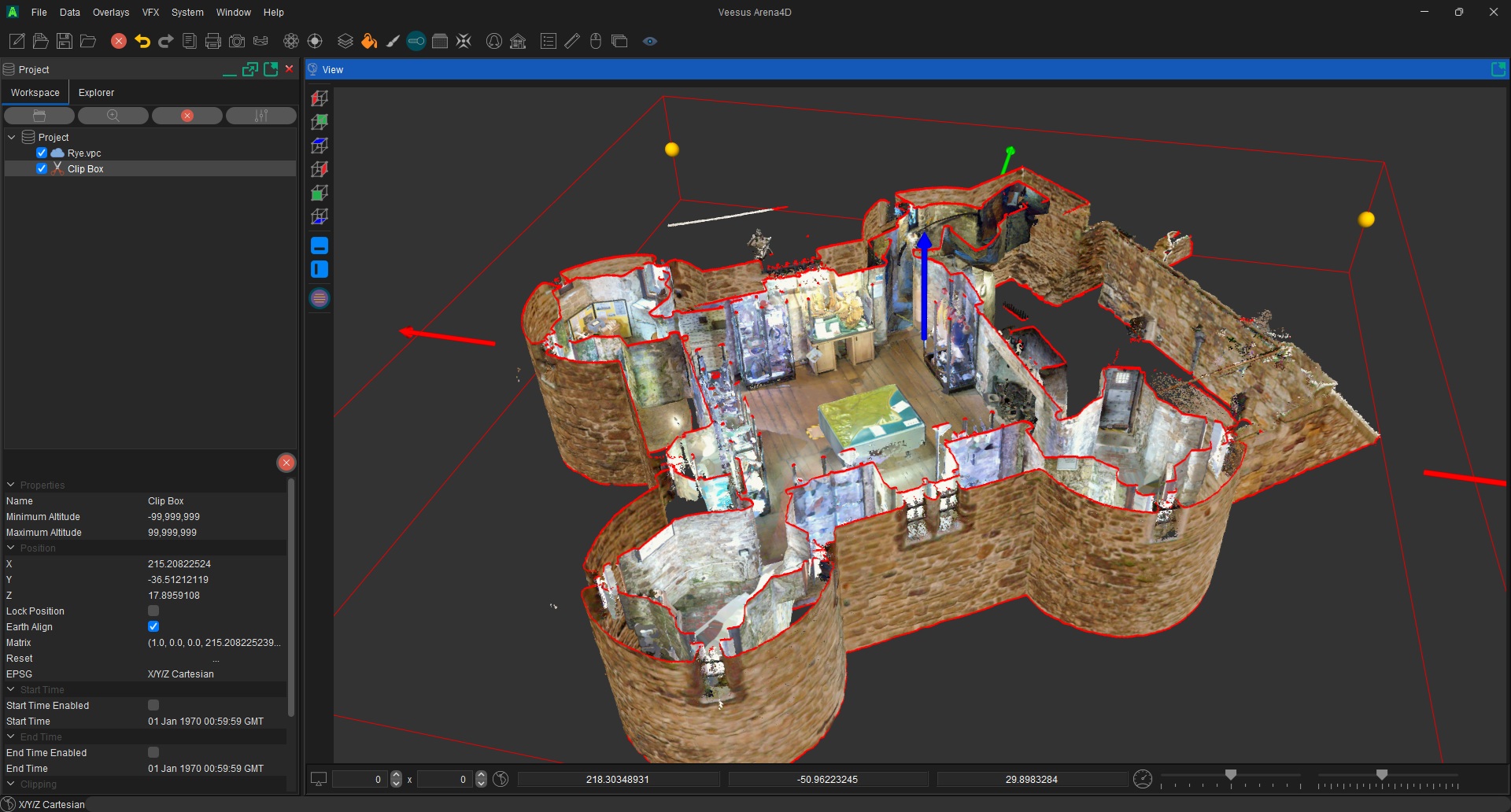
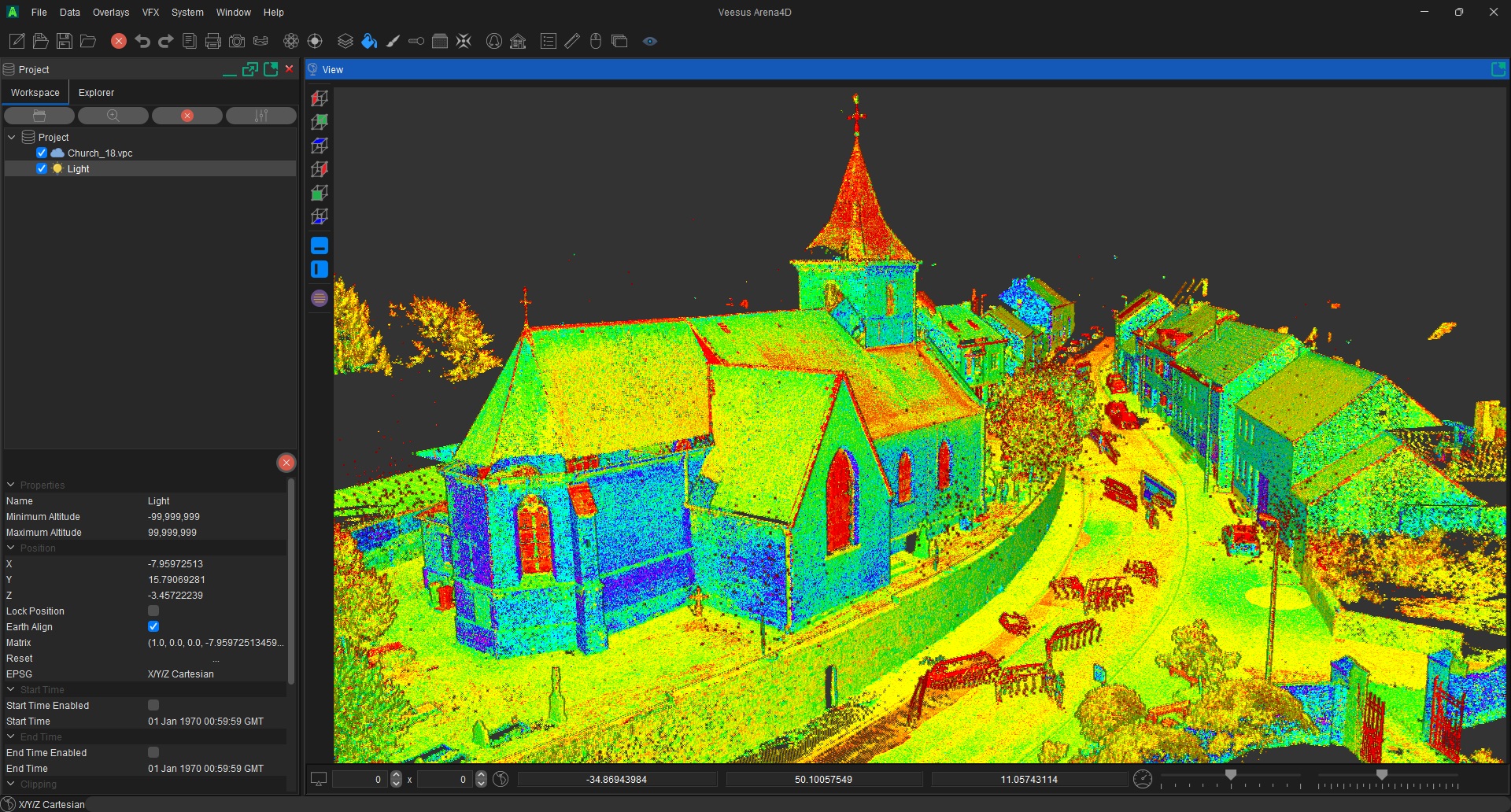
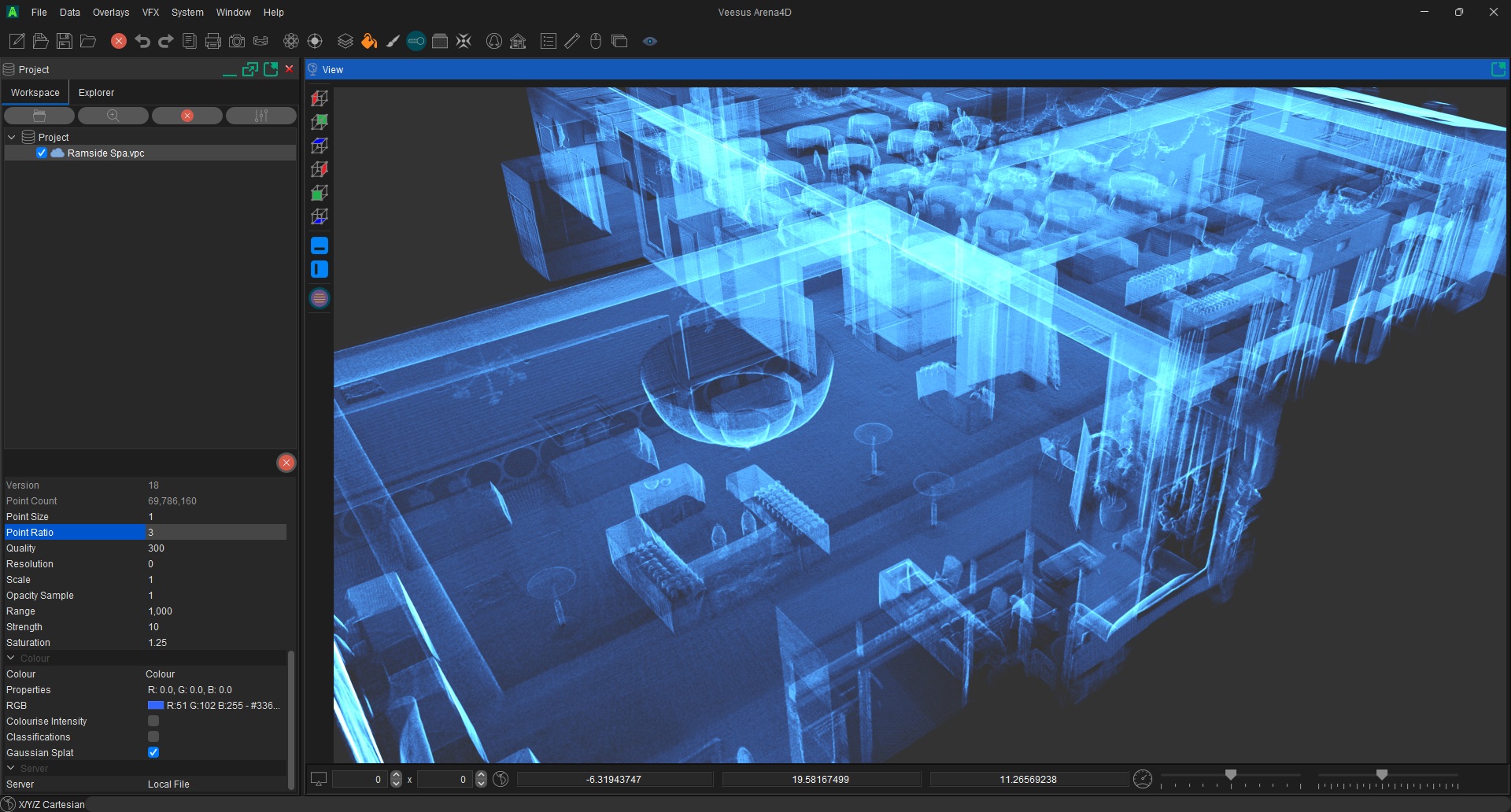
Compose camera paths through captured environments
Build keyframed fly-throughs through scan data. Refine camera position, focus and timing to guide viewers through buildings and complex captured environments.
Bring Point Clouds, Gaussian Splats and CAD geometry into the same scene. Present captured conditions alongside proposed designs for AEC reviews and bid videos.
Animate slice planes, X-Ray views and colour effects. Use lighting and depth of field to shape the shot, then export video or image sequences for presentations.
XSTREAM.Creator workflow
XSTREAM.Creator prepares your Point Cloud data once, ready for a fast and consistent XSTREAM workflow.
Prepare your original Point Cloud with free XSTREAM.Creator, then open the optimised VPC in XSTREAM.Desktop.
Add Gaussian Splats and CAD geometry, set camera keyframes and refine the visual effects in your scene.
Render your animation for client review. One XSTREAM subscription includes Desktop, CAD software and cloud storage.
Simple, transparent pricing
Your XSTREAM3D subscription covers the entire range — all the software and cloud storage, on a single licence. Save £180 with an annual plan, or choose monthly flexibility. All prices exclude sales tax. No feature tiers and no hidden upgrades.
XSTREAM3D
£900 / year
Excluding sales tax
* The XSTREAM.CAD plugin for SolidWorks doesn't require a licence and is free to use.