01
Native workflows
Keep scan context visible inside the software your team already uses every day — Point Clouds in Rhino, Revit and SolidWorks, plus Gaussian Splats in Rhino and SolidWorks.
XSTREAM.CAD
Point Cloud plugins for Rhino, Revit and SolidWorks, supporting CAD design and Scan-to-BIM workflows. Gaussian Splats are supported in Rhino and SolidWorks, not Revit.
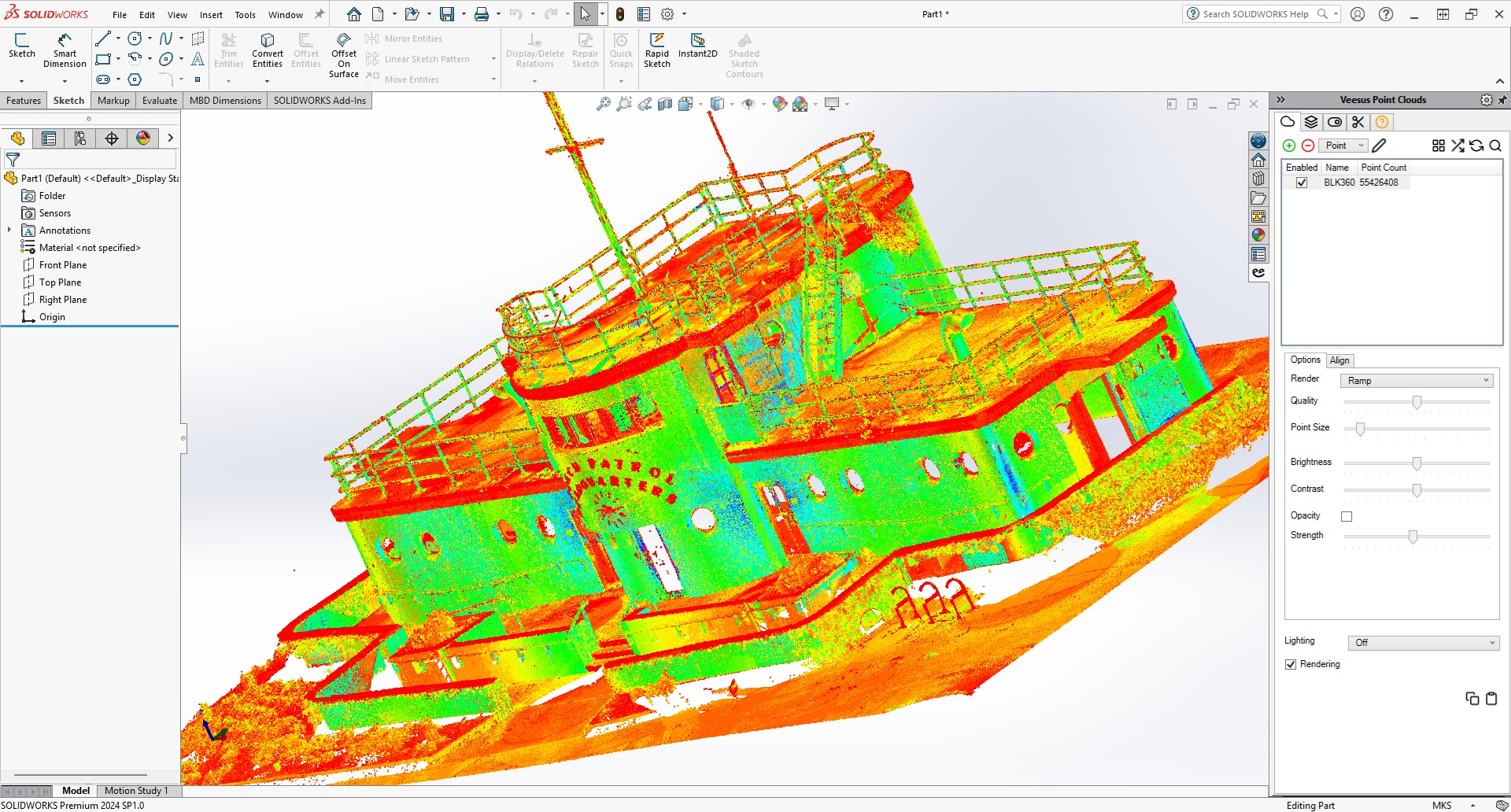
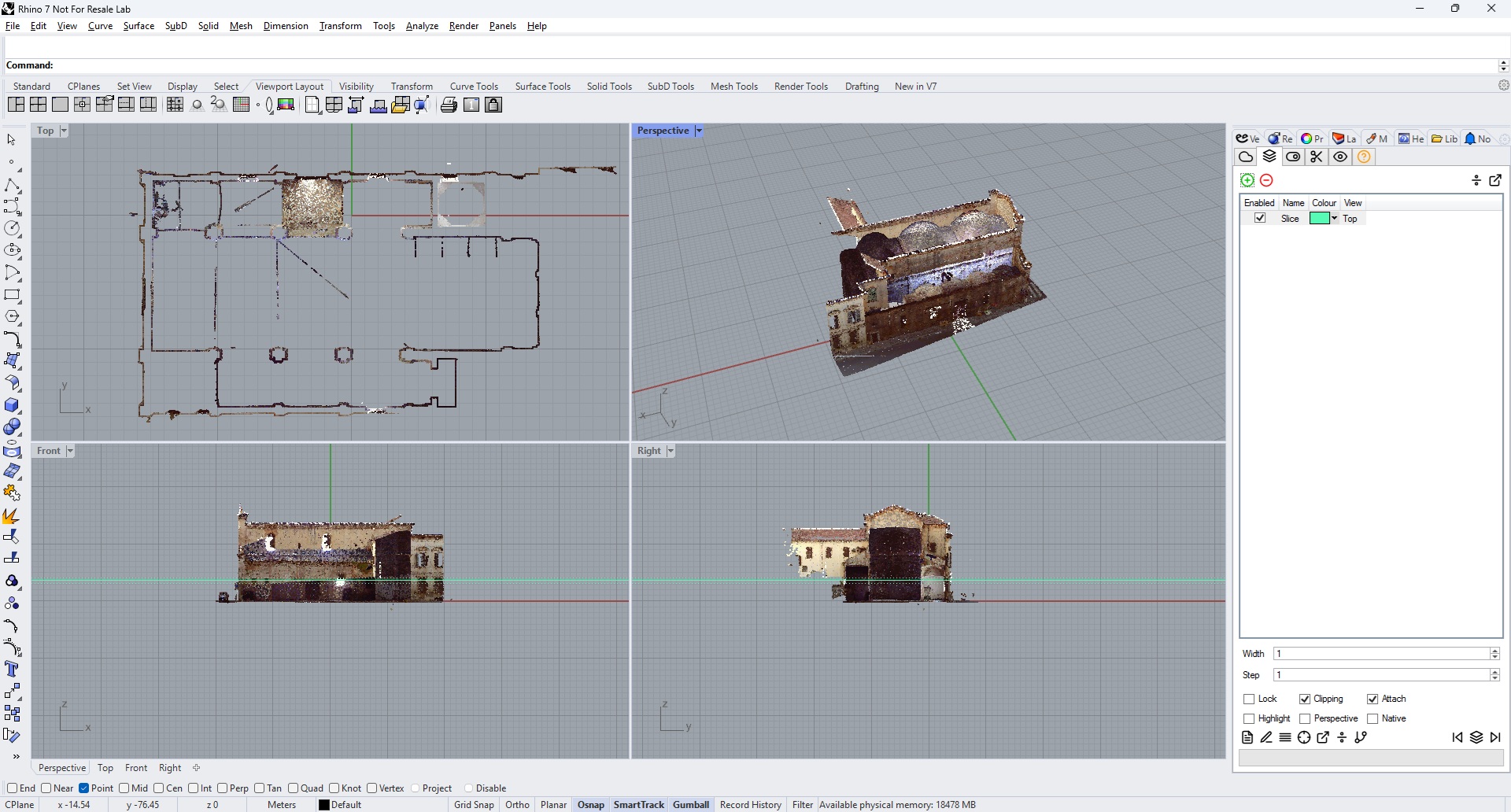
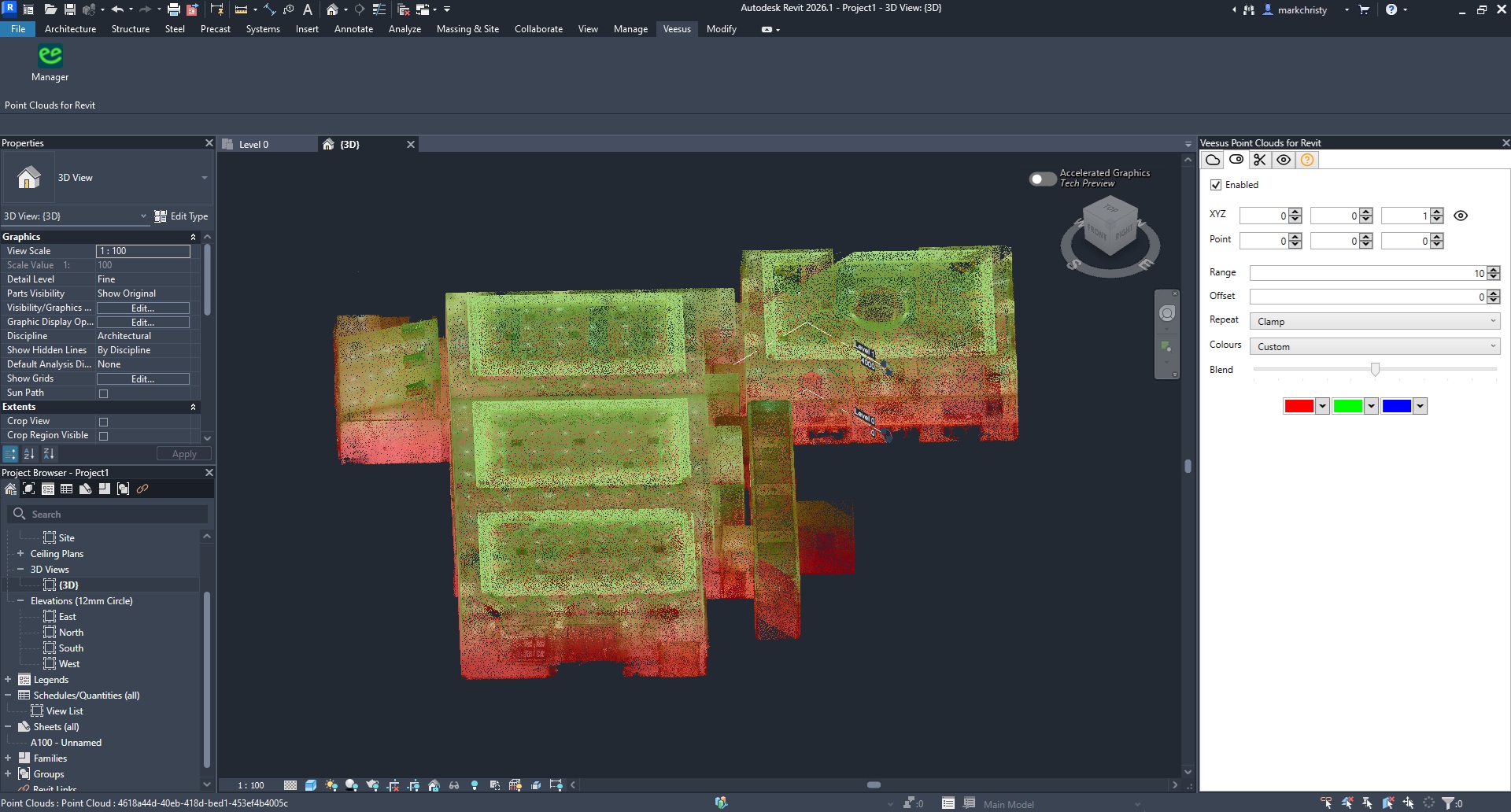
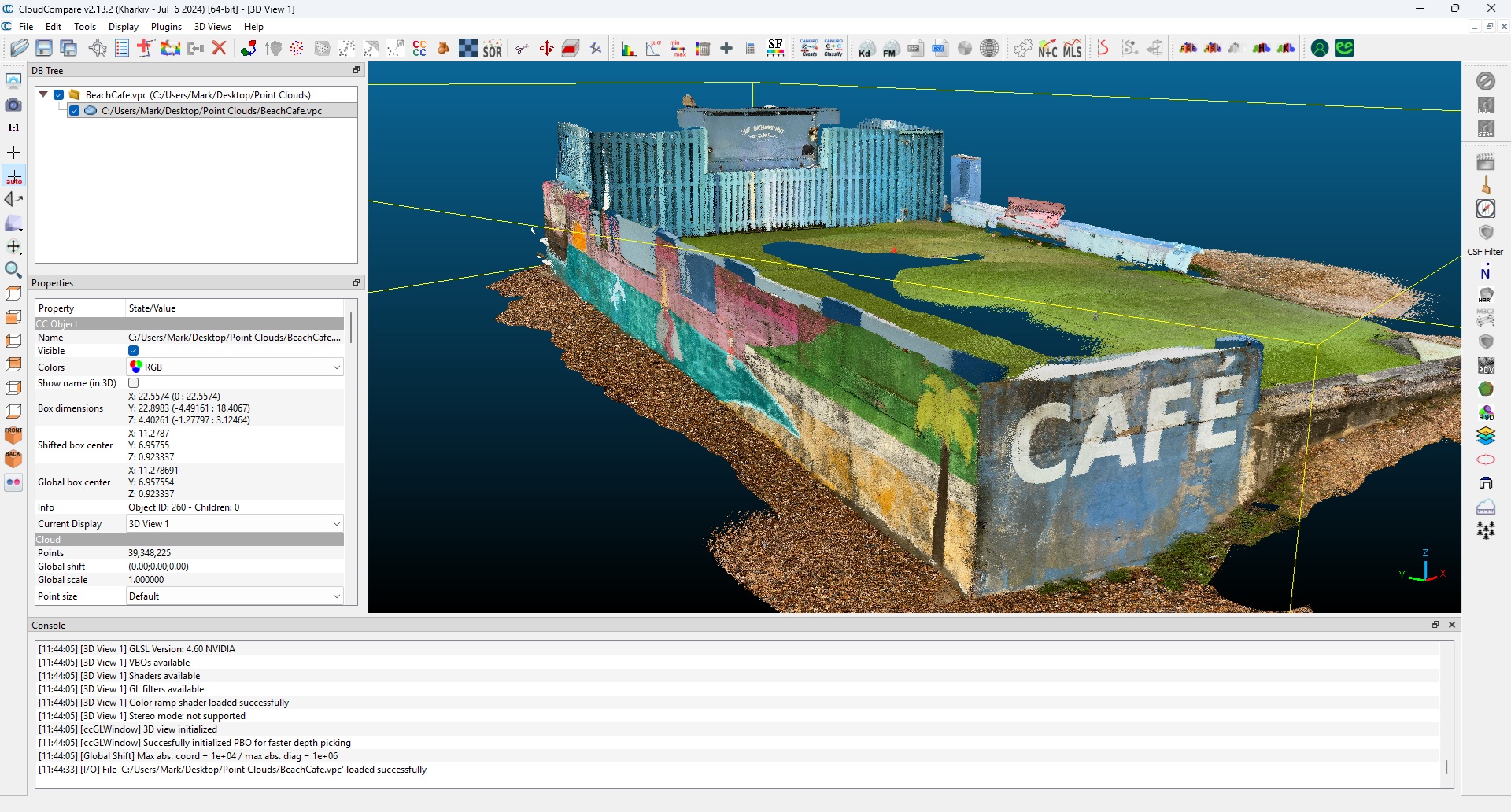
Design directly against captured reality
Rhino
Design, modelling and Gaussian Splats
Revit
Point Clouds for Scan-to-BIM
SolidWorks
Engineering workflows and Gaussian Splats
Use Point Clouds as an as-built reference for modelling, design checks and Scan-to-BIM in Rhino, Revit and SolidWorks. Add Gaussian Splat context in Rhino and SolidWorks; Revit is Point Cloud-only.
Keep scan context visible inside the software your team already uses every day — Point Clouds in Rhino, Revit and SolidWorks, plus Gaussian Splats in Rhino and SolidWorks.
Reference full-resolution Point Clouds while modelling existing conditions and checking proposed geometry. Keep survey detail visible for CAD decisions and BIM workflows.
Extract useful working references from survey data and move quickly from scan context to accurate geometry.
XSTREAM.Creator workflow
XSTREAM.Creator prepares your Point Cloud data once, ready for a fast and consistent XSTREAM workflow.
Prepare the original Point Cloud with XSTREAM.Creator, preserving the detail needed by your design team.
Load the optimised VPC directly in Rhino, Revit or SolidWorks through the XSTREAM.CAD plugin.
Activate one XSTREAM3D licence for the full CAD plugin workflow and unrestricted output.
CAD and Scan-to-BIM workflows
Point Clouds + Gaussian Splats
Model and design against captured conditions, using Point Clouds and Gaussian Splats as references in your Rhino workspace.
Rhino quick startPoint Clouds only
Use Point Clouds as an as-built reference for Scan-to-BIM modelling and checking proposed designs. Gaussian Splats are not supported in Revit.
Revit quick startPoint Clouds + Gaussian Splats
Bring Point Clouds and Gaussian Splats into engineering design workflows to reference existing equipment and captured environments.
SolidWorks quick startFor cinematic fly-throughs and video creation from captured data and CAD geometry, continue in XSTREAM.Desktop.
Explore Point Cloud animationAI integration
Built-in AI tools transform Point Cloud and Gaussian Splat views into compelling, presentation-ready imagery in moments. Explore alternative lighting, colour, weather and visual styles for client and planning visuals while your accurate 3D source stays intact inside your CAD workflow.
One-click
visual enhancement
Context-aware
scene treatments
Integrated
creative workflow

Raw spatial data to presentation-ready visual
Simple, transparent pricing
Your XSTREAM3D subscription covers the entire range — all the software and cloud storage, on a single licence. Save £180 with an annual plan, or choose monthly flexibility. All prices exclude sales tax. No feature tiers and no hidden upgrades.
XSTREAM3D
£900 / year
Excluding sales tax
* The XSTREAM.CAD plugin for SolidWorks doesn't require a licence and is free to use.